
Time tracking your team will
actually love.

A simple time clock for small businesses. Your team clocks in from any phone, tablet or computer, overtime adds itself up, and payroll hours are ready when you are. One flat price, from $5 a month for the whole team.
More than 2,600 companies have tracked their hours with IDEAblox since 2015
Everything a punch clock does,
without the clipboards and headache.
No more lost paper timesheets, and no more adding up overtime by hand the night before payroll.
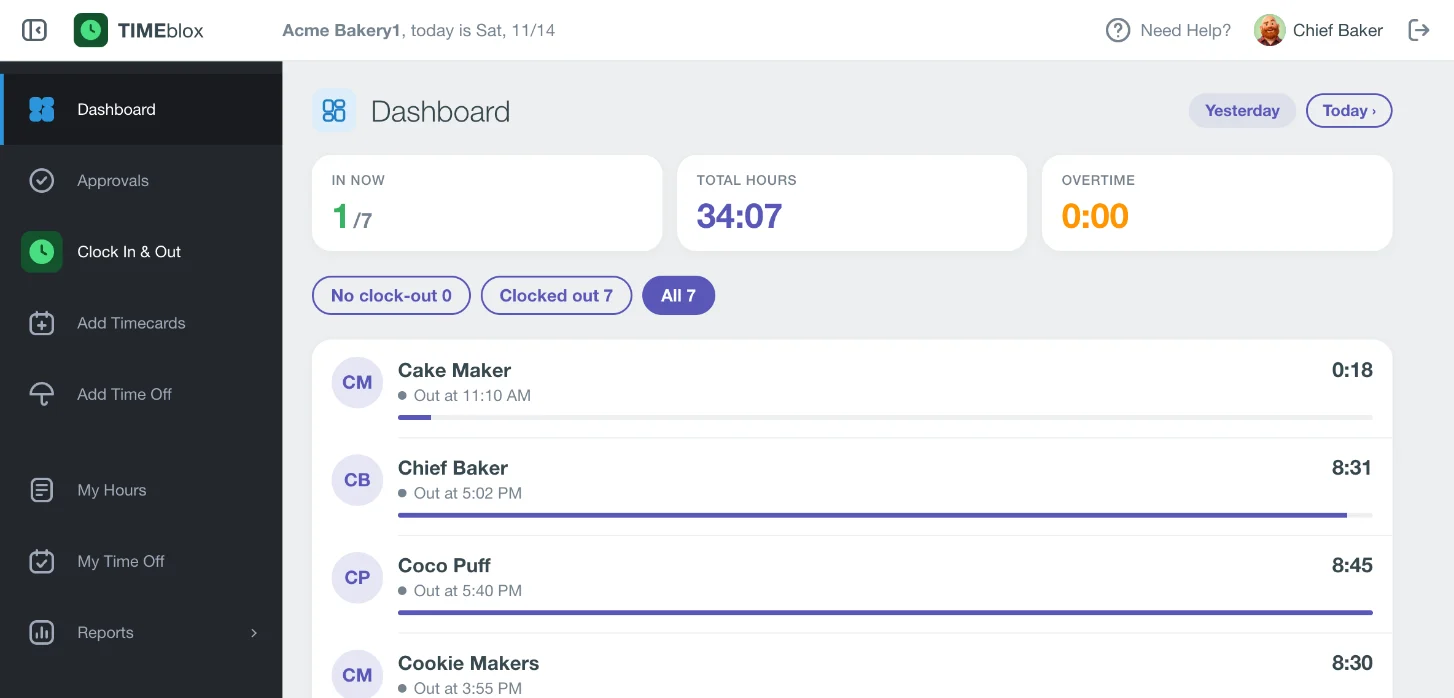
See your whole team at a glance
Who is in right now, who has clocked out, and how many hours each person has worked today, with overtime called out.
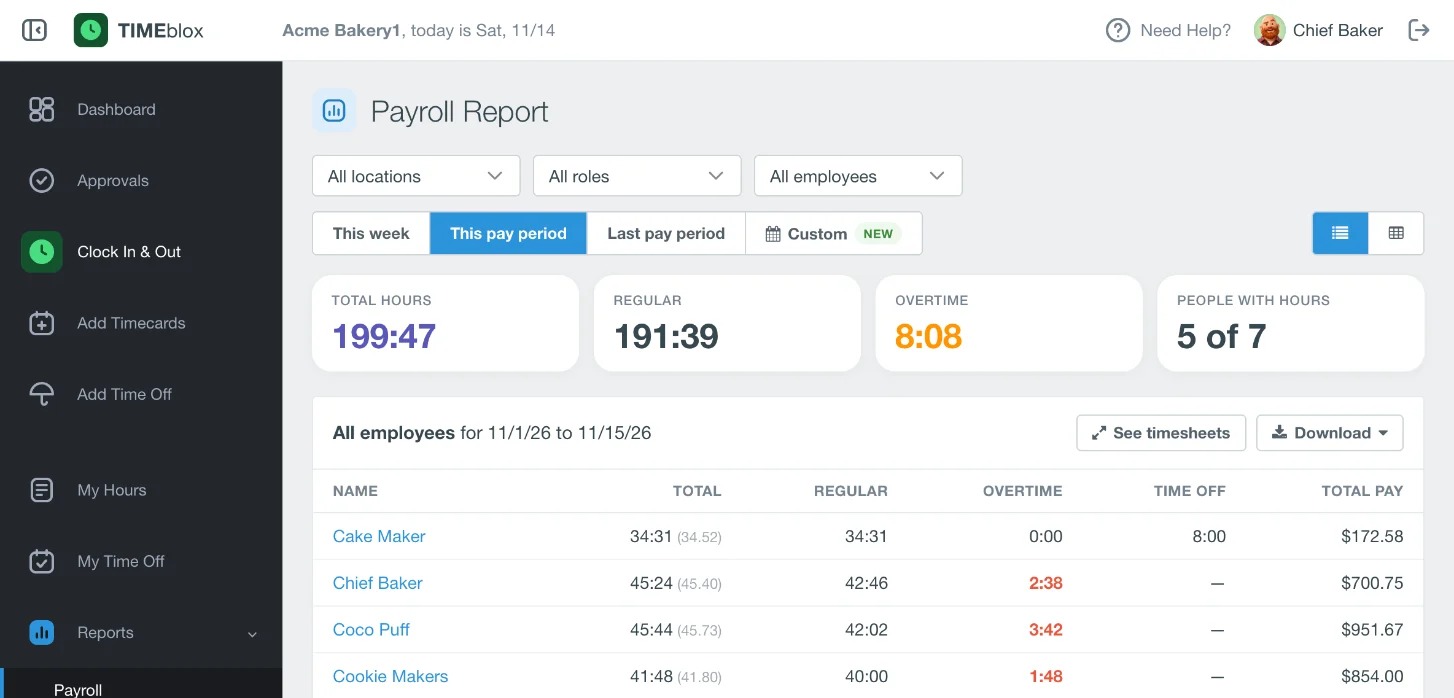
Payroll hours, ready to download
Pick the pay period and the report is done: total, regular, overtime, time off and pay for each person. Download it as Excel or CSV, or as a file for QuickBooks Desktop.
Overtime adds itself up
Set your rule once: overtime after so many hours a day or a week, and double time if you use it. Regular and overtime hours are split for every person.
Time off without the spreadsheet
Create your own time-off types and choose how balances build up. People send requests; you approve or deny them.
From clock-in to payroll in 3 steps
No training manuals. If your team can tap a button, they can use it.
Clock in anywhere
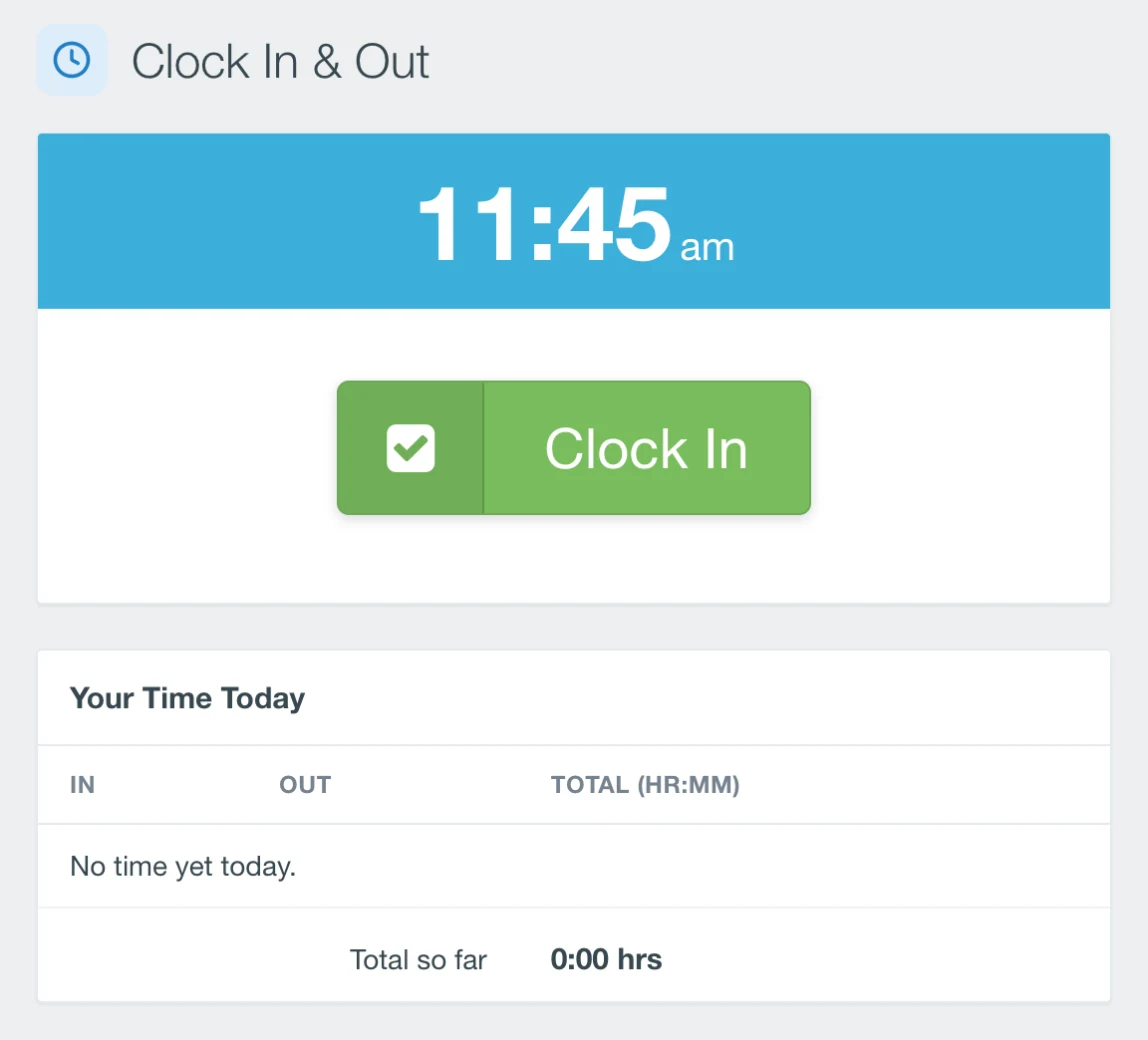
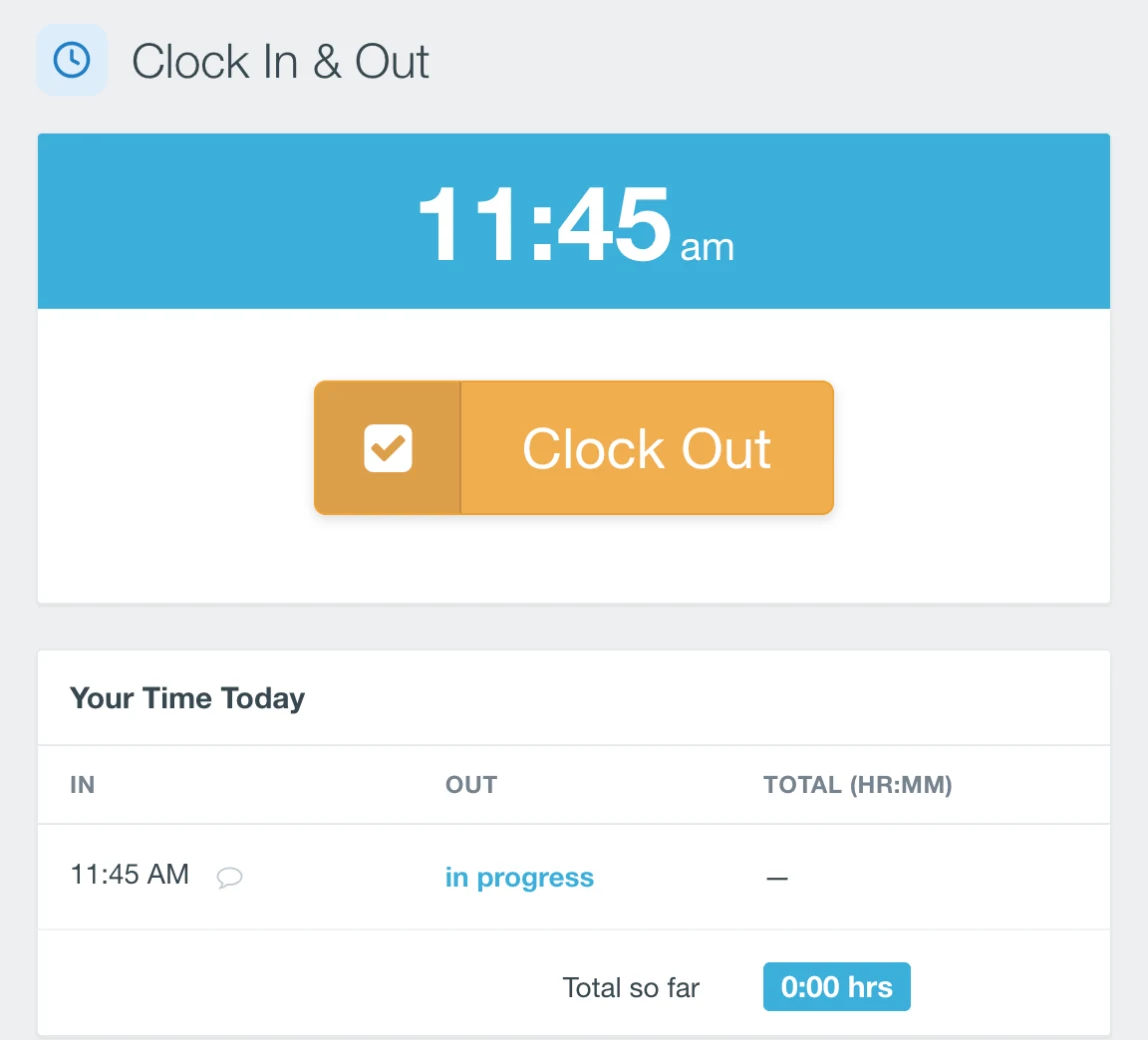
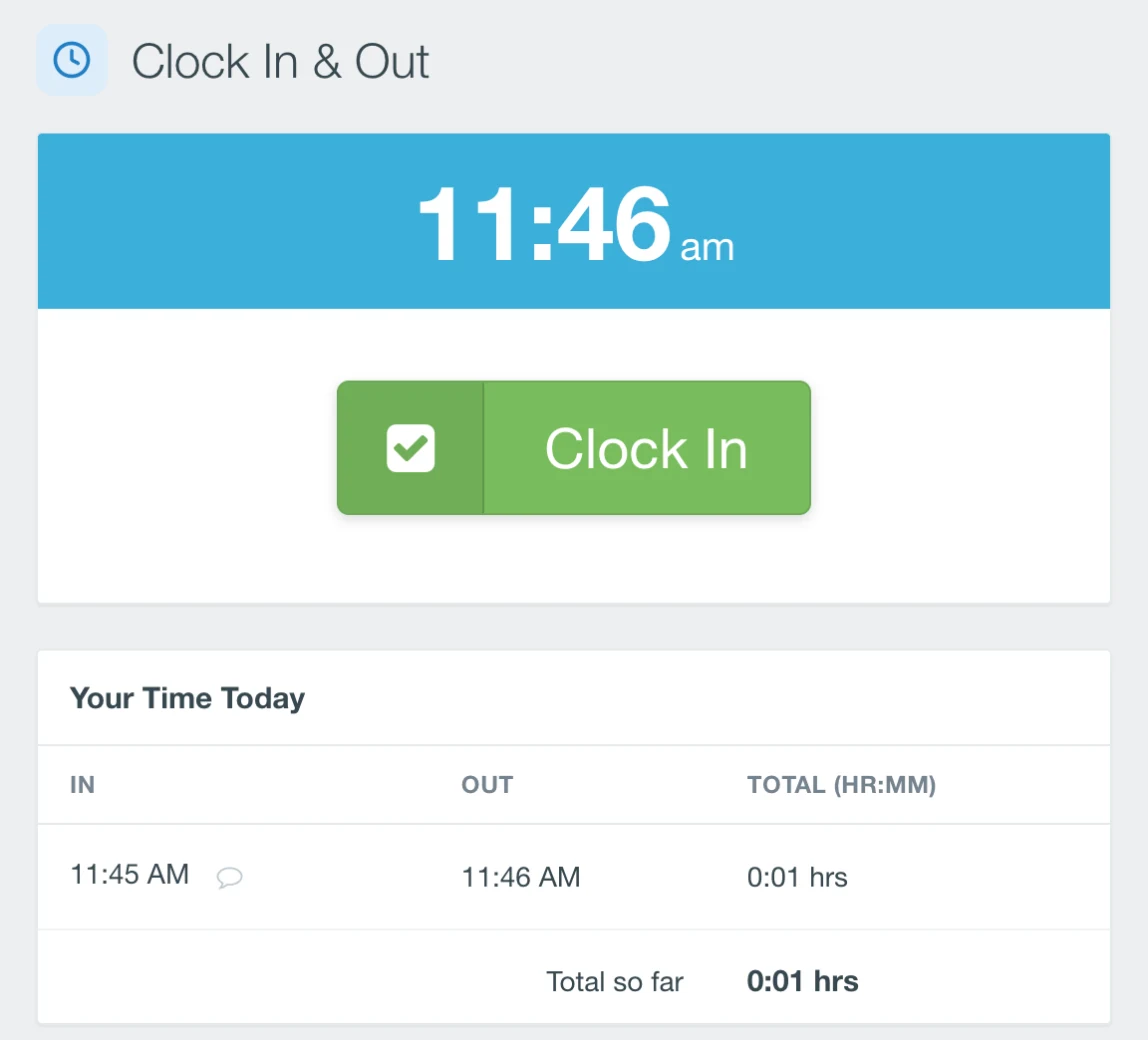
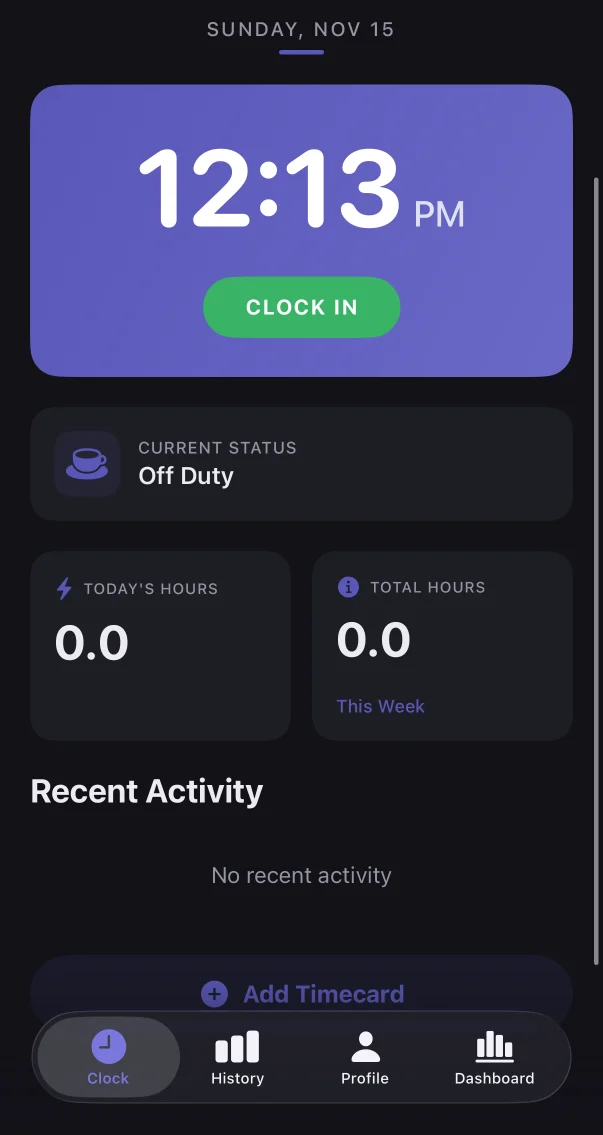
Staff clock in from their own phone, or from one shared computer or tablet at the front desk where each person just picks their name.
Review and approve
Someone forgot to clock out? They or a manager can fix it. Every change is labeled and kept, and managers approve changes before payroll.
Run payroll
Open the payroll report for the pay period and download it. Hours, overtime and time off are already totaled for each person.
Offices like yours already use it.
Rated 4.6 out of 5 from more than 200 reviews on Capterra.
“I hated doing payroll, I still hate it. But at least now it's so much easier. No more manually calculating hours. And my staff finds IDEAblox easy to use.”
 Dr. Jessica NienSweet Tooth Care
“TIME SAVER! I have zero complaints it is very simple and easy to use. One of the best software that we use daily in our office.”
 KyleEagle Mountain Family Dental
“The IDEAblox software is really easy to use. I can easily clock in and out by simply signing in and clicking a button. I can also really easily request and keep track of time off.”
One flat price for the whole team.
We don't charge per person. Find your team size and that is your monthly bill, with every feature and support included.
Medium team
11 to 50 people
for 11 to 25 people
- 26 to 50 people$50 / month
Larger team
51 to 150 people
for 51 to 100 people
- 101 to 150 people$125 / month
- More than 150Contact us
Also included in every plan
Every plan has every feature. Free for 14 days with no credit card, then month to month with no contract.
- bolt Set up in minutesFour short steps, on your own: company details, a sign-in for the shared computer, your team, and a printable sign-in card.
- calendar_month SchedulesSet each person's working days and hours.
- location_on Locations and rolesGroup people by office and job, and choose who is a manager.
- devices Works on what you haveAny phone, tablet or computer with a browser. Nothing to install.
- key Sign in your wayEmail and password, or Apple or Google for your staff.
- support_agent Real supportEmail or call us, 9 am to 5 pm Pacific. It costs nothing extra.
Clock in from your pocket.
The IDEAblox Time Card app for iPhone and Android is on its way: clock in and out, see your hours, add a timecard and request time off. Until it lands, the time clock already works in any phone's browser, with nothing to install.
You will sign in with the same IDEAblox account you use on the web.

Say goodbye to timesheet panic this Friday.
Have your team clocking in today. Try IDEAblox free for 14 days, with no credit card.